
聪明牛🐮09-14 15:50· 聪明牛🐮
【手游资讯】《魅影再临》开发团队新作《Dynamite Blue》国际版公开上市时间 释出事前登录宣传影片
《魅影再临(Exos Heroes)》开发团队 Kosmo's 12 宣布,以叙事为导向的 2.5D 回合制r收集型 RPG《Dynamite Blue》将于 2026 年 9 月 30 日于全球推出。 官方表示,《Dynamite Blue》将背景设定与角色作为游戏体验的核心。故事发生在一座名为「维尔海文(Vierh...
1700
阅读全文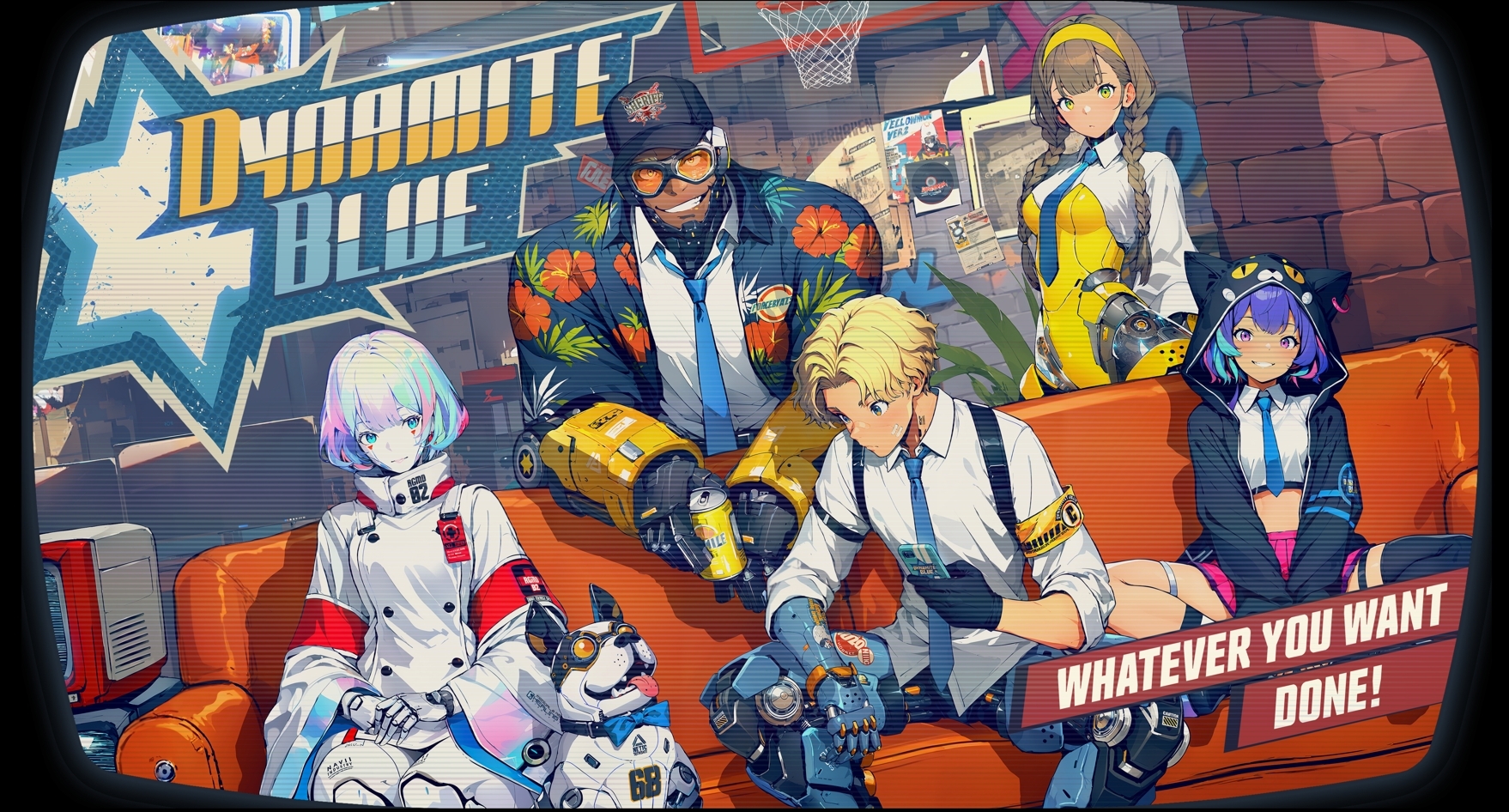
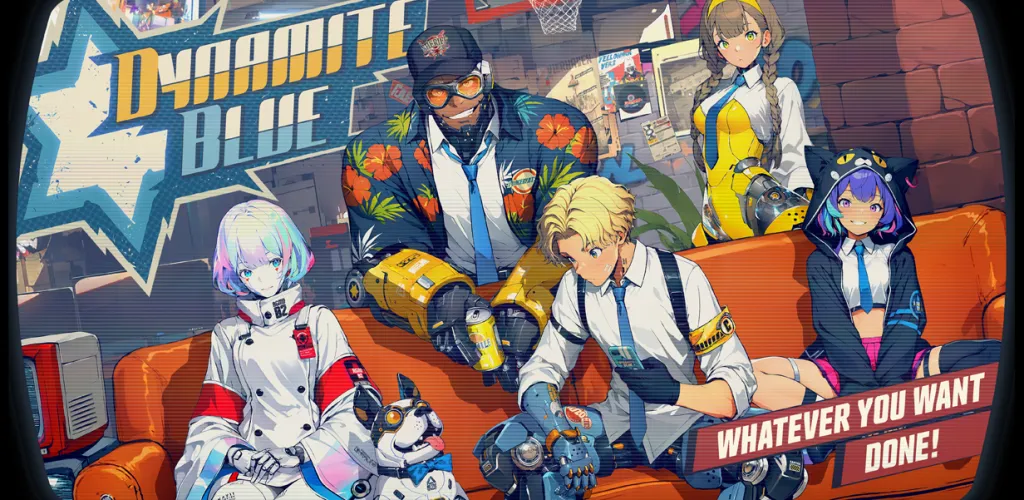

■ Welcome to Vierhaven A future where Jagear — technology that replaces parts of the body with machinery — has spread across the world. A single city splits into three uneasy layers: the Air Ground high above, home to the privileged few; the lawless Underground where no light reaches; and the Midground in between, where ordinary people get through one day at a time. ■ Dynamite Blue — Just Another Day at the Agency · A small private investigation agency in a corner of the Midground, taking any odd job that comes its way · Pocket-change cases that spiral into something shaking the city's underbelly · No money, no connections — but a cheerful crew that always sees a job through ■ Six-Element Matchups and Guardian Stone Breaks · A six-element cycle of strengths and weaknesses, where every move can decide the battle · Guardian Stone Breaks reward clever matchups by turning the tide · Strategy completed by BP, a shared battle resource your whole team builds together · Every team composition makes for a battle of its own ■ 60+ Heroes, Each With a Story to Tell · Over 60 unique characters, written and drawn with care · "Pocket Story" — personal tales that give every hero their own backstory · Companions who grow together with your team
点击截图可放大查看高清原始画质
同一游戏在各渠道的真实版本与包大小(商店版本 1.0.12)
核对下载文件是否与资源提供方一致
123云盘v1.0.12
SHA-256:e2e2dcdcd500…8e59a987
校验值来自资源提供方。下载完成后可在本地执行 sha256sum(Windows 用 certutil -hashfile)并与上方完整值比对。
游戏特色
ACBOX 是一款支持多种安装包格式的 Android 安装器,通常可用于安装 APK、APKS、XAPK、APKM 等格式。对于 APKS 游戏,ACBOX 可以解析其中的拆分 APK,并根据设备配置进行安装,比直接改后缀或使用普通文件管理器更方便。
A:APKS是一种Android应用/游戏的打包格式,本质上是一个ZIP压缩包,里面包含了一个基础APK文件和多个按设备配置拆分的APK(如针对不同CPU架构、屏幕密度、语言等)。它主要用于通过Google Play分发的大型游戏或应用,目的是减小单次下载体积,让设备只下载需要的部分。普通APK是一个“全量包”,而APKS是“拆分包”的集合。
A:普通APK可以直接安装到Android设备;APKS不能直接安装,需要先用工具(如SAI、APKMirror Installer等)解析并安装其中的拆分APK。APKS通常包含多个APK文件,安装时由安装器根据设备配置选择合适的分包。简单说:APK是单文件安装包,APKS是多文件拆分安装包。
正在加载评价与评论…
参与 Dynamite Blue 专区讨论,结识同服战友
《魅影再临(Exos Heroes)》开发团队 Kosmo's 12 宣布,以叙事为导向的 2.5D 回合制r收集型 RPG《Dynamite Blue》将于 2026 年 9 月 30 日于全球推出。 官方表示,《Dynamite Blue》将背景设定与角色作为游戏体验的核心。故事发生在一座名为「维尔海文(Vierh...