Minecraft Education
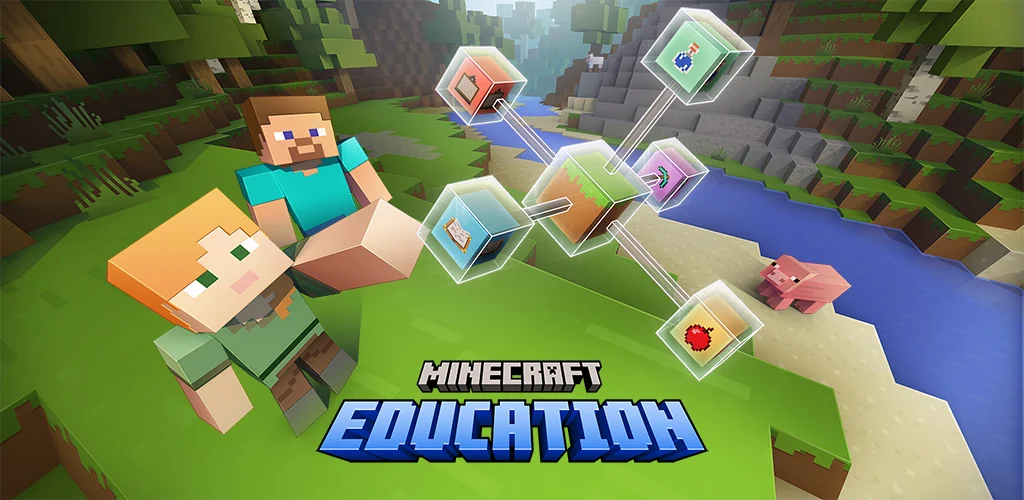
THIS APP IS FOR SCHOOL AND ORGANIZATIONAL USE. Minecraft Education is a game-based platform that inspires creative, inclusive learning through play. Explore blocky worlds that unlock new ways to tackle any subject or challenge. Dive into subjects like reading, math, history, and coding with lessons and standardized curriculum designed for all types of learners. Or explore and build together in creative open worlds. USE IT YOUR WAY With hundreds of ready-to-teach lessons, creative challenges, and blank canvas worlds, there are lots of ways to make Minecraft Education work for your students. It’s easy to get started, no gaming experience necessary. PREPARE STUDENTS FOR THE FUTURE Help learners develop key key skills like problem solving, collaboration, digital citizenship, and critical thinking to help students them thrive now and in the future workplace. Spark a passion for STEM. GAME-BASED LEARNING Unlock creativity and deep learning with immersive content created with partners including BBC Earth, NASA, and the Nobel Peace Center. Inspire students to engage in real-world topics with culturally relevant lessons and build challenges. KEY FEATURES Multiplayer mode enables collaboration in-game across platforms, devices, and hybrid environments Code Builder supports block-based coding, JavaScript, and Python with intuitive interface and in-game execution Immersive Reader helps players read and translate text Camera and Book & Quill items allow documentation and export of in-game-creations Integration with Microsoft Teams and Flipgrid supports assessment and teacher controls Minecraft Education licenses can be purchased with Admin access to a Microsoft 365 Admin Center account. Talk to your Tech Lead for information on academic licensing. Terms of use: The terms that apply to this download are the terms that were presented when you purchased your Minecraft Education subscription. Privacy policy: https://aka.ms/privacy
游戏精选截图与实机展示
点击截图可放大查看高清原始画质
版本与技术参数规格
版本与渠道变体
同一游戏在各渠道的真实版本与包大小(商店版本 1.26.33.0)
资源校验值(SHA-256)
核对下载文件是否与资源提供方一致
123云盘v1.26.33.0
SHA-256:76e37a982818…52344e42
校验值来自资源提供方。下载完成后可在本地执行 sha256sum(Windows 用 certutil -hashfile)并与上方完整值比对。
最新更新 (What's New)
游戏深度介绍 (About this Game)
THIS APP IS FOR SCHOOL AND ORGANIZATIONAL USE.
Minecraft Education is a game-based platform that inspires creative, inclusive learning through play. Explore blocky worlds that unlock new ways to tackle any subject or challenge.
Dive into subjects like reading, math, history, and coding with lessons and standardized curriculum designed for all types of learners. Or explore and build together in creative open worlds.
USE IT YOUR WAY
With hundreds of ready-to-teach lessons, creative challenges, and blank canvas worlds, there are lots of ways to make Minecraft Education work for your students. It’s easy to get started, no gaming experience necessary.
PREPARE STUDENTS FOR THE FUTURE
Help learners develop key key skills like problem solving, collaboration, digital citizenship, and critical thinking to help students them thrive now and in the future workplace. Spark a passion for STEM.
GAME-BASED LEARNING
Unlock creativity and deep learning with immersive content created with partners including BBC Earth, NASA, and the Nobel Peace Center. Inspire students to engage in real-world topics with culturally relevant lessons and build challenges.
KEY FEATURES
- Multiplayer mode enables collaboration in-game across platforms, devices, and hybrid environments
- Code Builder supports block-based coding, JavaScript, and Python with intuitive interface and in-game execution
- Immersive Reader helps players read and translate text
- Camera and Book & Quill items allow documentation and export of in-game-creations
- Integration with Microsoft Teams and Flipgrid supports assessment and teacher controls
Minecraft Education licenses can be purchased with Admin access to a Microsoft 365 Admin Center account. Talk to your Tech Lead for information on academic licensing.
Terms of use: The terms that apply to this download are the terms that were presented when you purchased your Minecraft Education subscription.
Privacy policy: https://aka.ms/privacy
游戏特色
- 包含建造与基地升级玩法
- 支持角色养成与成长线
- 支持多人联机协作或对战
- 经营与资源管理是核心玩法
- 开放世界地图可自由探索
攻略指南与常见问题
新手与进阶问答安装说明
- 1点击页面中的“立即下载”,优先选择更新日期较新的渠道资源。
- 2下载完成后,确认安装包大小与页面展示信息基本一致,再开始安装 Minecraft Education。
- 3首次安装第三方 APK 时,请根据设备系统提示授权安装权限。
下载与使用风险提示
- 安装前请核对包名 com.mojang.minecraftedu 与目标应用是否一致,避免误装非目标版本。
- 若设备已安装同名旧版本,建议先确认版本兼容性,再决定覆盖安装或重新安装。
- 如下载来源异常或安装后行为异常,请暂停使用并重新核对下载渠道。
如何安装游戏?
ACBOX 是一款支持多种安装包格式的 Android 安装器,通常可用于安装 APK、APKS、XAPK、APKM 等格式。对于 APKS 游戏,ACBOX 可以解析其中的拆分 APK,并根据设备配置进行安装,比直接改后缀或使用普通文件管理器更方便。
什么是APKS格式的游戏?
A:APKS是一种Android应用/游戏的打包格式,本质上是一个ZIP压缩包,里面包含了一个基础APK文件和多个按设备配置拆分的APK(如针对不同CPU架构、屏幕密度、语言等)。它主要用于通过Google Play分发的大型游戏或应用,目的是减小单次下载体积,让设备只下载需要的部分。普通APK是一个“全量包”,而APKS是“拆分包”的集合。
APKS和普通APK有什么区别?
A:普通APK可以直接安装到Android设备;APKS不能直接安装,需要先用工具(如SAI、APKMirror Installer等)解析并安装其中的拆分APK。APKS通常包含多个APK文件,安装时由安装器根据设备配置选择合适的分包。简单说:APK是单文件安装包,APKS是多文件拆分安装包。